Managing WordPress administrators
You can view a full list of the WordPress administrators on your websites, change their passwords, and also log in with their username via the WordPress Manager in the hosting Control Panel.
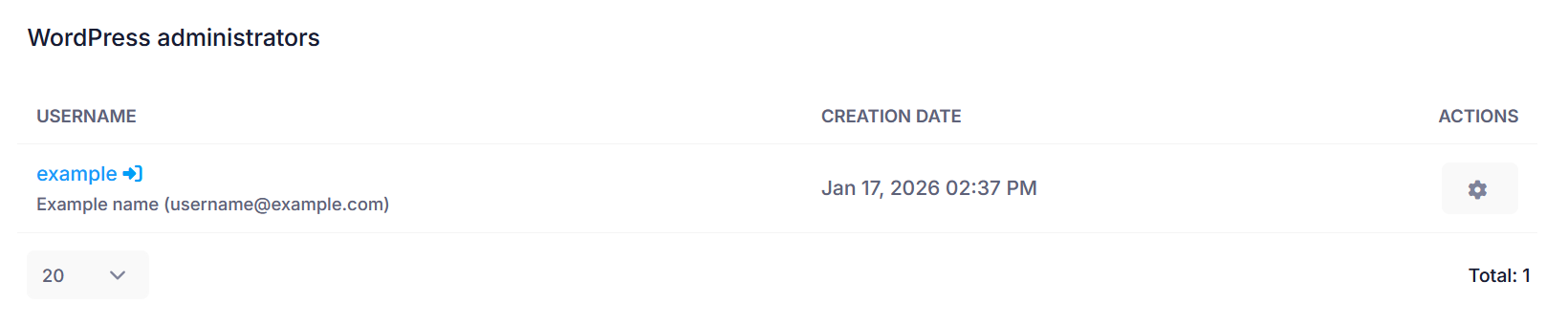
To use these features and view this information, click on Manage button next to the WordPress installation in the list inside the WordPress Manager. Under the WordPress administrators subsection, you will see a list of all the administrators on your WordPress website showing their respective login usernames, display names, and email addresses. Next to each administrator, you will find two buttons - Log in and Password. The Log in button allows you to log into the WordPress Dashboard as that user, and the Password button allows you to change the password for that user. General advice on how to choose a strong password and secure it can be found in our Password tips article.