Adding existing WordPress installations for management
After successfully logging into the hosting Control Panel, your account will be scanned for WordPress installations (running WordPress version 3.9+) that are not imported to the WordPress Manager. If such WordPress installations are found, a notification like the following will be displayed with convenient button to scan and import them:

In the WordPress Manager of the hosting Control Panel, you can use the Scan for WordPress installations button to manually scan your hosting account and list the WordPress installations it finds.
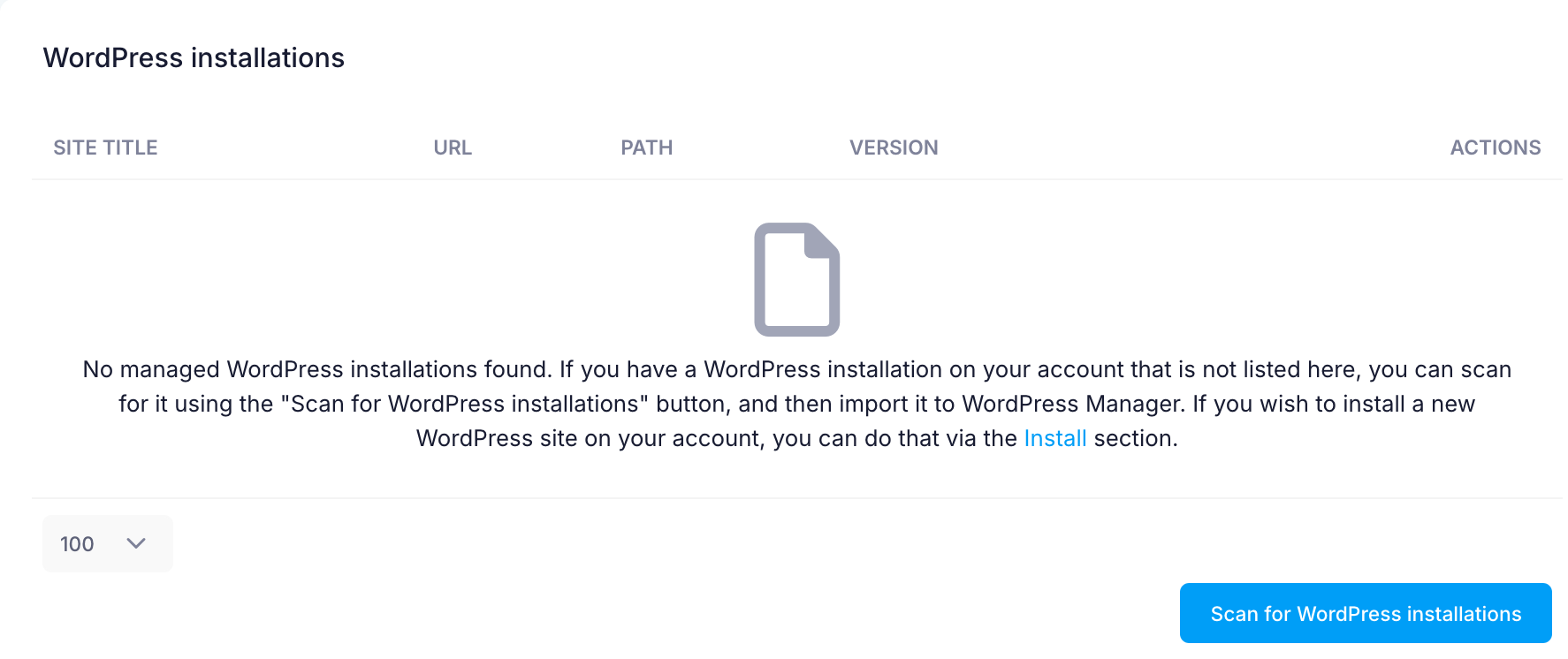
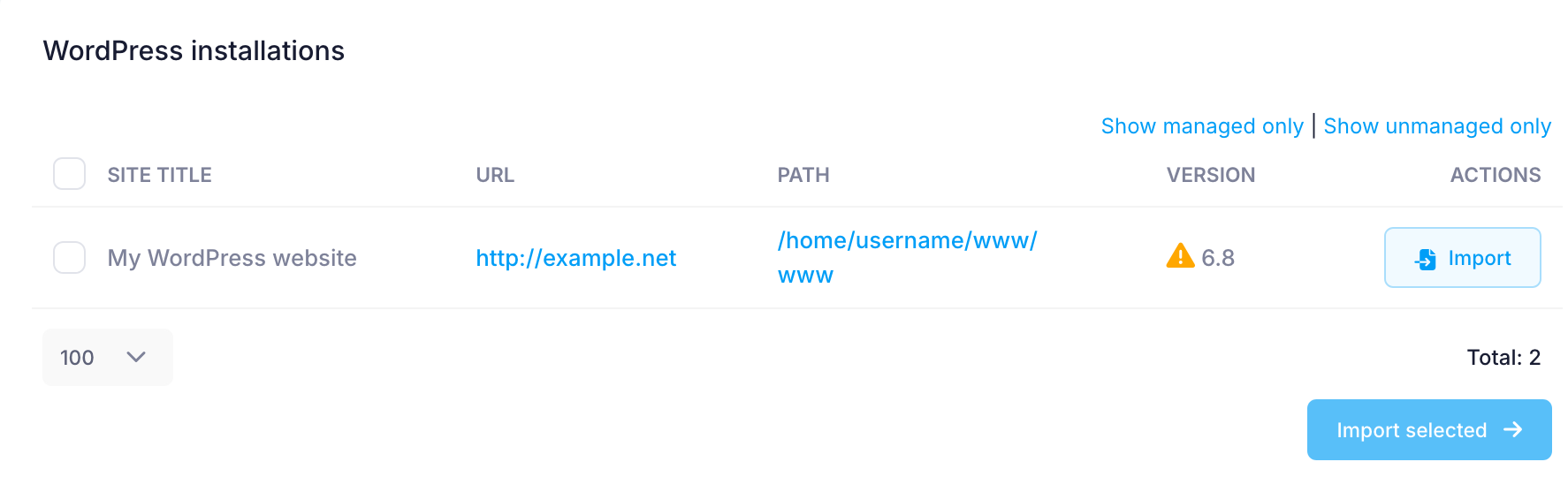
To import a WordPress installation from the list, you need to check its checkbox and click on the Import button.
Some issues with your WordPress installation can be automatically fixed by the Control Panel's WordPress Manager. If an issue like that is detected, you will see an option to attempt a fix on the management page of your WordPress installation.
If your WordPress installation does not work and cannot be repaired automatically by the Control Panel, you can contact our support team for assistance.
The Log in button next to each administrative username allows you to log in to the WordPress dashboard of your website with that particular username. This way, you can log in without entering a password.
Note that the results of some operations are cached, so you may not see your changes immediately. If that happens, please allow a few minutes for the cache to expire.
Most operations made in the WordPress Manager of the Control Panel are performed using the WP-CLI tool. These operations are logged in the ~/.wp-cli/history.log file in your hosting account.