Adding TXT records
 |
DNS records added via the DNS Manager section of the Control Panel take effect only when the domain name uses the DNS service of your hosting account. |
To add a TXT record, you should:
- Go to the DNS Manager section.
- Click on the Create button to the right of the interface.
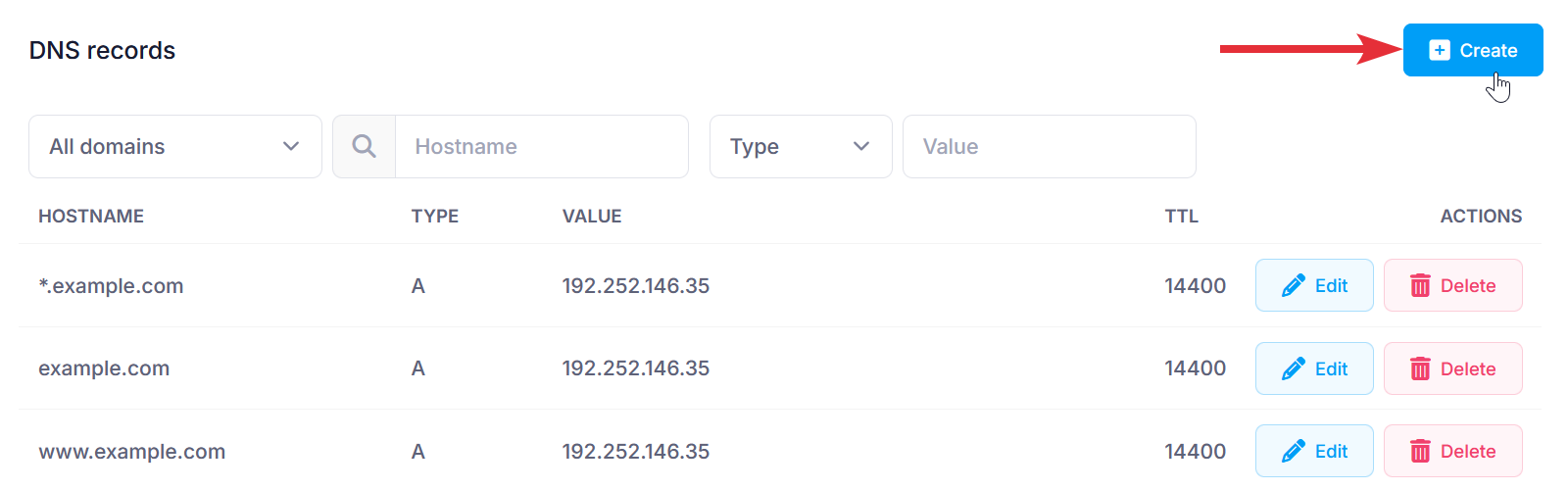
- Fill in the following fields:
Subdomain: Type the name here (e.g., "www" for www.example.com). Leave blank for example.com.
Domain: You can choose to apply the changes to one or more domain names through the Domain selector.
Type: Choose TXT from the drop-down menu.
Text: Enter the text of the TXT record.
TTL: This is the time-to-live value of the record. The default is 14400 seconds. We would recommend leaving the default in most cases. - After applying all values, click on the Submit button.